Claude skills for ThoughtSpot
Describe a chart.
Get one that's already been checked.
Claude writes a ThoughtSpot custom chart (BYOC), renders it in a real browser, looks at the screenshot and fixes it until the tile is right, from a bar chart to an interactive 3D map. You paste three files.
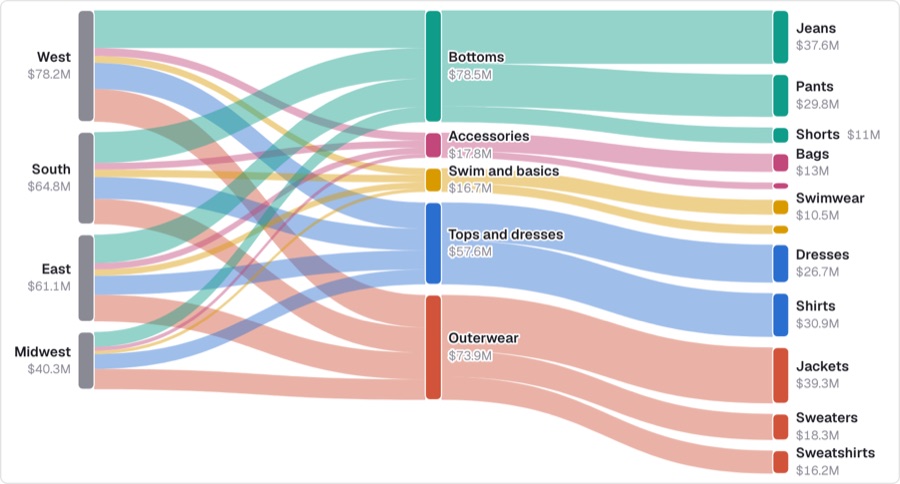
Sankey of sales from region to product family to item type
Use it in three steps.
Works in Claude Code, and in the Claude app with code execution turned on.
Install the skills
git clone https://github.com/BibekTS/Thoughtspot-Amuzing-chart-skills.git
mkdir -p .claude/skills
cp -R Thoughtspot-Amuzing-chart-skills/skills/* .claude/skills/Needs Node 20+. The first run installs Playwright and Chromium (about 2 minutes, asked once).
cd skills && zip -r ../ts-object-answer-chart-builder.zip \
  ts-object-answer-chart-builder \
-x '*/node_modules/*' '*.DS_Store' '*/library/*/preview.png'Turn on Code execution and file creation, then upload the zip under Settings → Capabilities → Skills.
Ask for a chart
In plain words, with a screenshot, or by pointing at a tile that misbehaves. Claude asks a few pick-from-a-list questions first: model, data, search, library.
- “A diverging bar of revenue vs target by region”
- “Make this screenshot a ThoughtSpot chart”
- “My tile is blank when the search is empty, fix it”
Paste three files
Open a custom chart in ThoughtSpot and paste each file into its tab. You also get a preview.png and the exact search to build.
Connected to the ThoughtSpot MCP? It builds on your real search output and can save the chart as an answer.
Seen, not guessed.
Most AI chart code is written blind. Here every attempt is rendered through a stub of ThoughtSpot's host, so what Claude checked is exactly what you paste.
58 charts to start from.
The library ships with the skill: one worked Liveboard, Amuzing chart samples, in seven tabs. Ask for a shape and Claude copies the closest proven chart, then adapts it to your search.
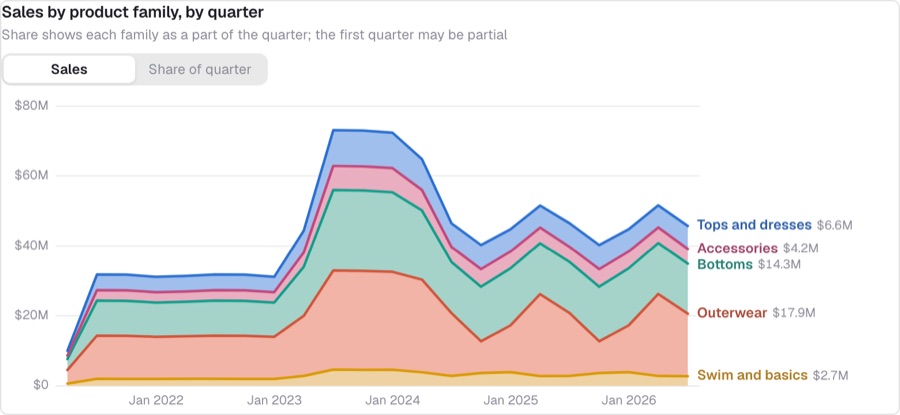
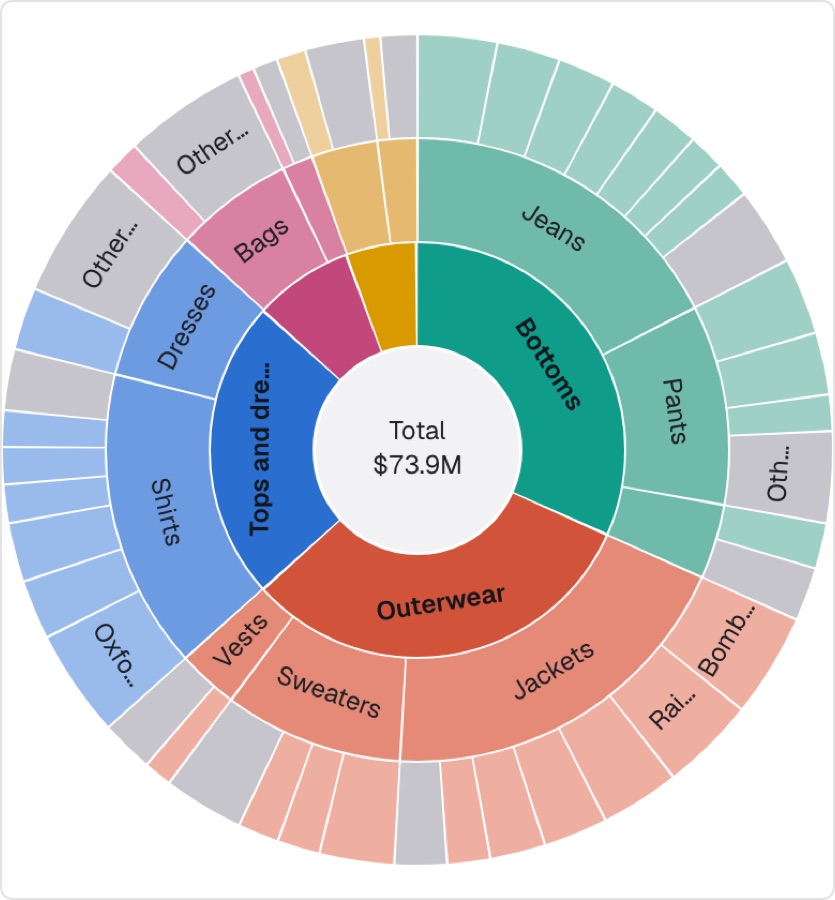
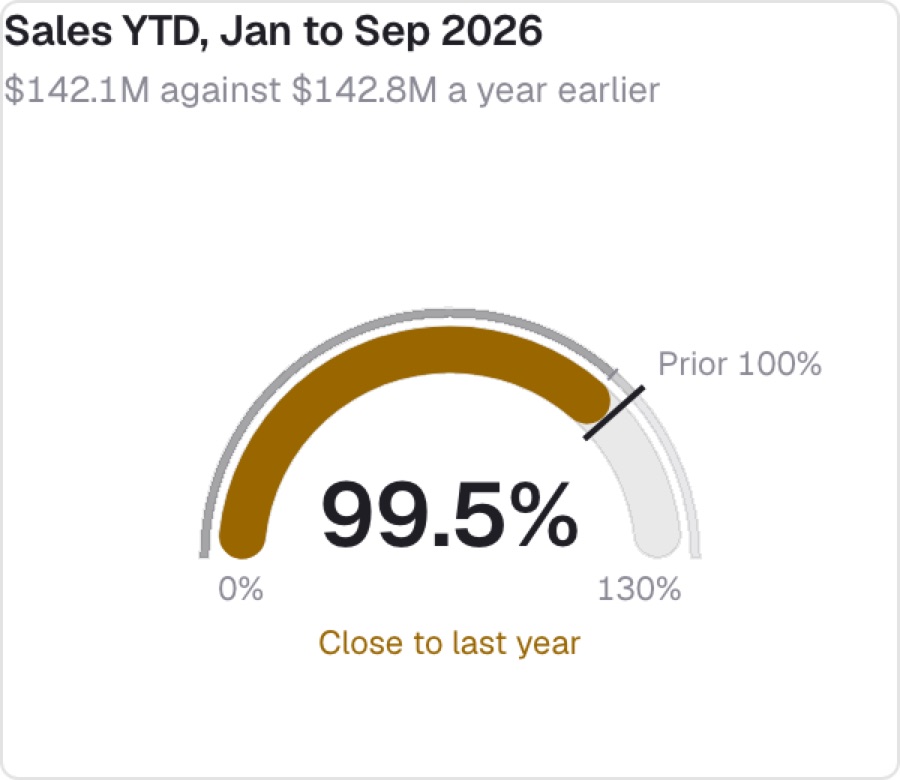
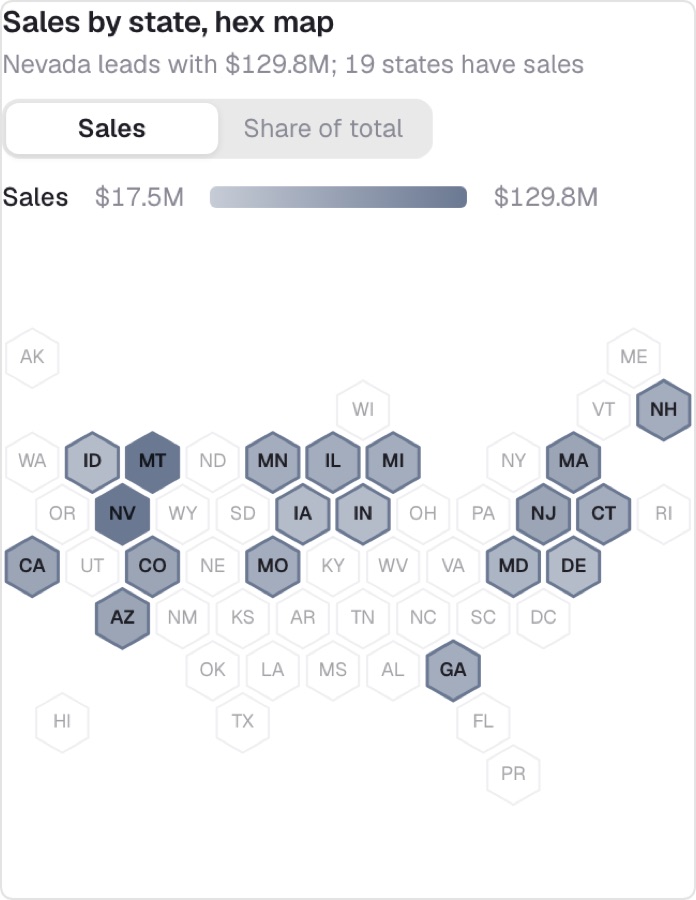
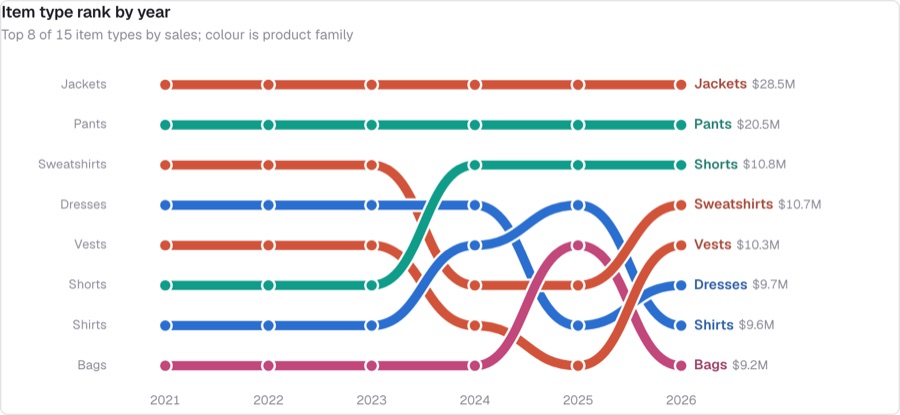
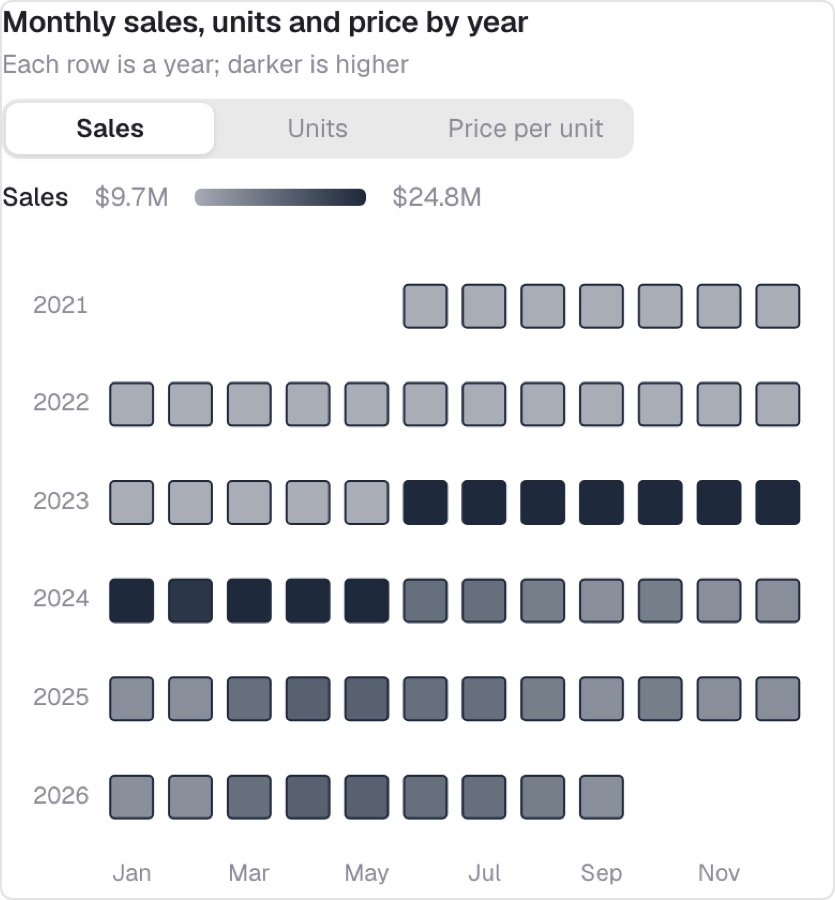
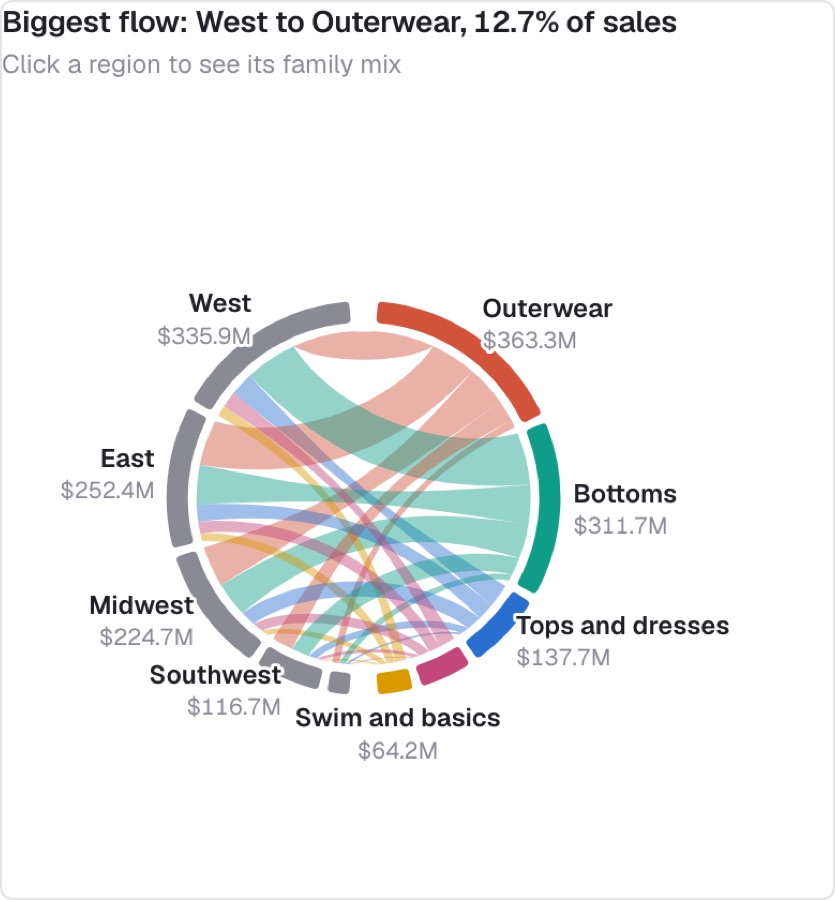
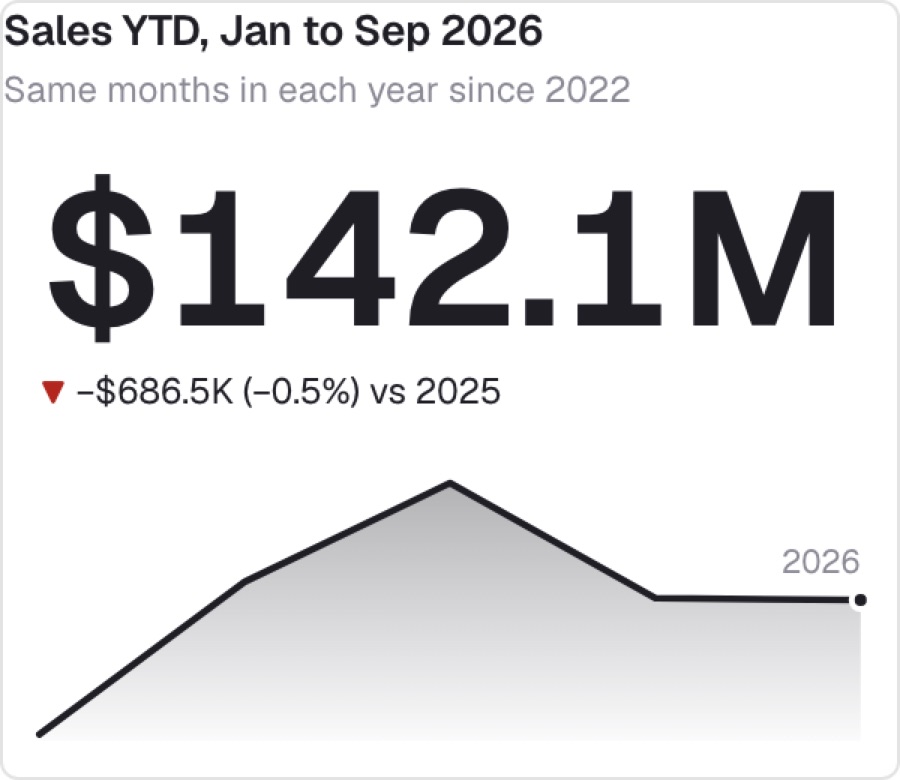
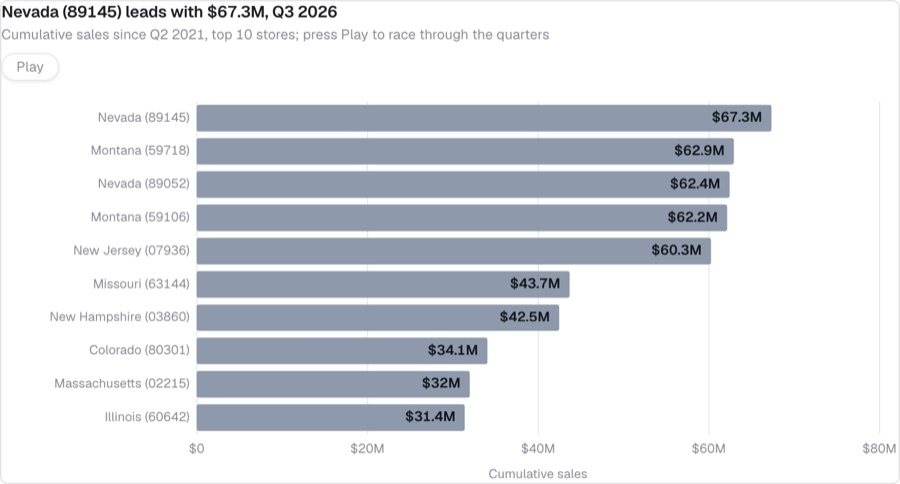
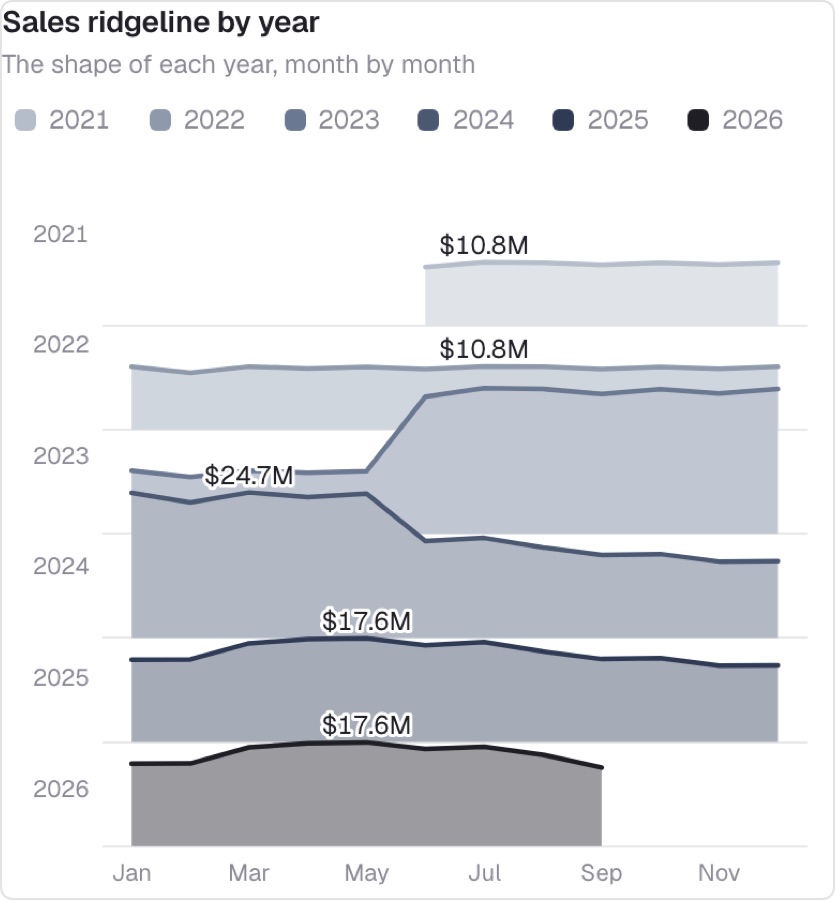
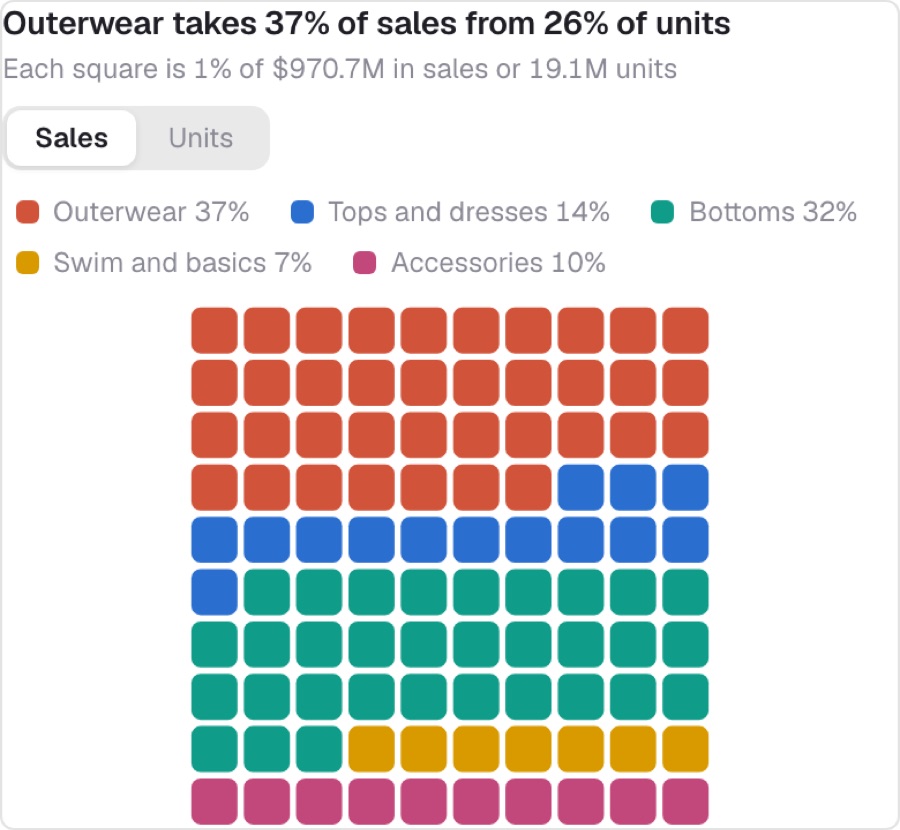
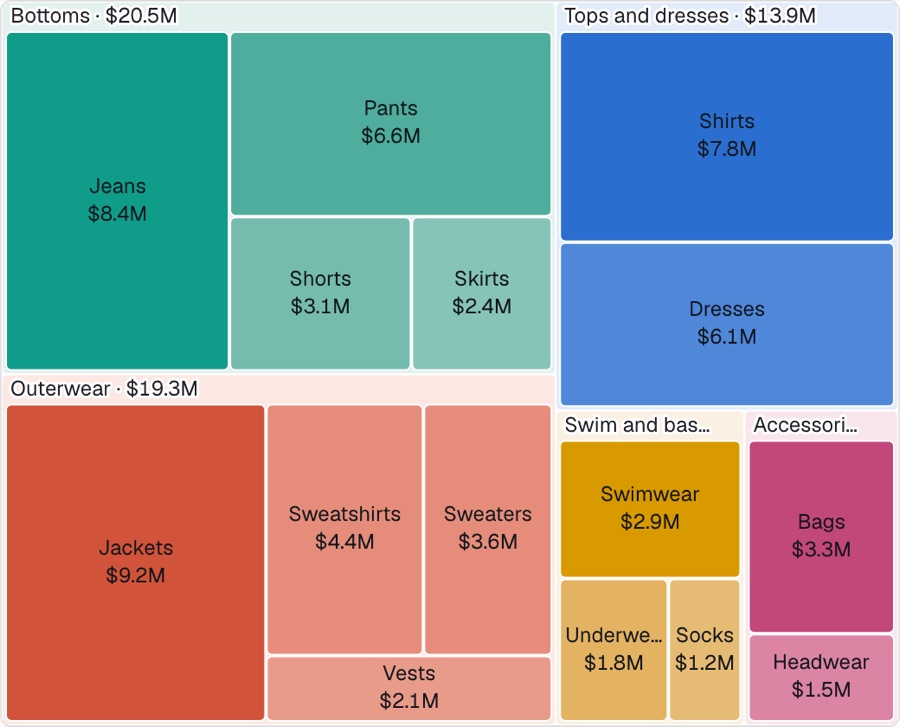
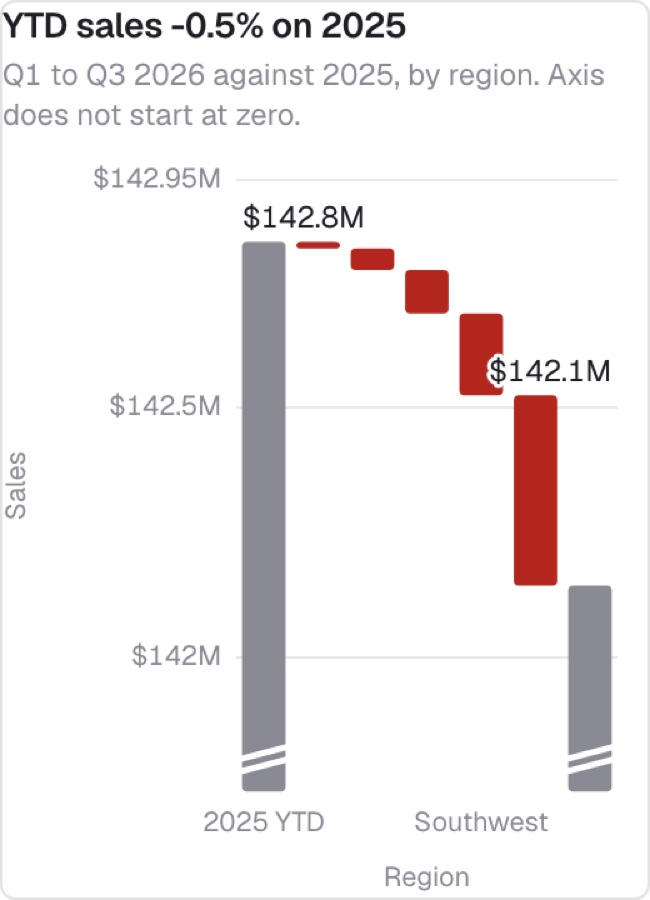
Built on synthetic data for (Sample) Retail - Apparel. Browse all 58 in the library index.
New · Three.js
And in 3D.
Retail in 3D is a seven-tab Liveboard built with these skills: one interactive Three.js chart per tab, each reading its live search. Drag to turn, click to fly to a mark, switch between a 3D view and its flat equivalent. Every tile is the same three pasted files.
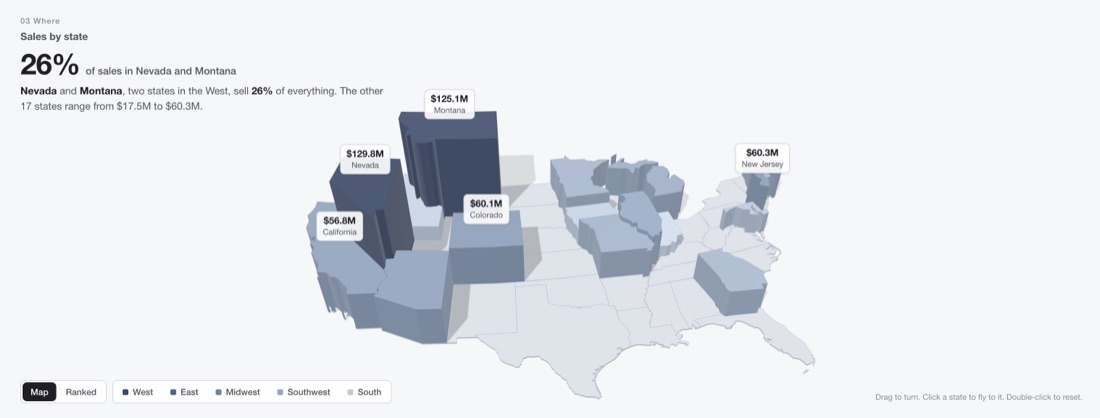
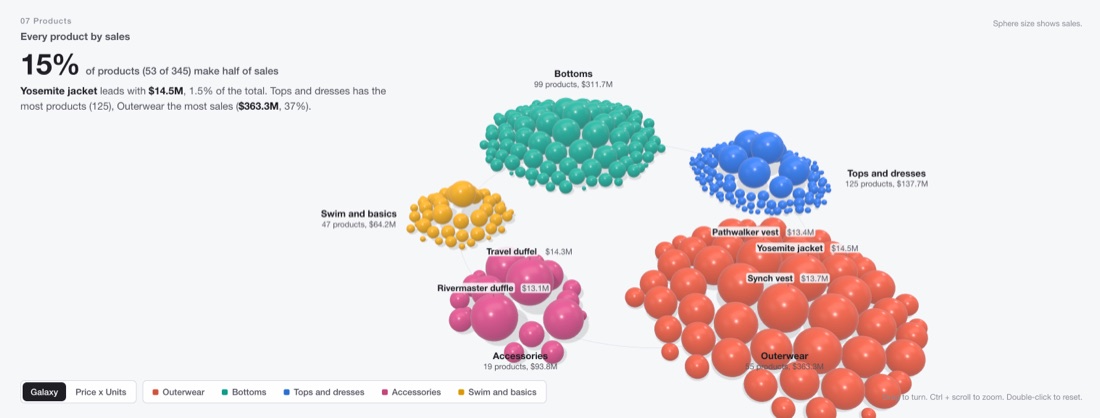
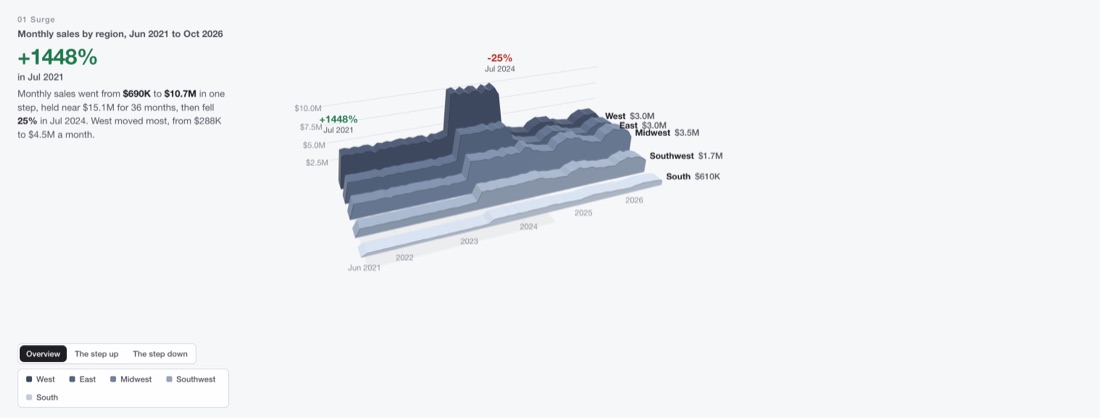
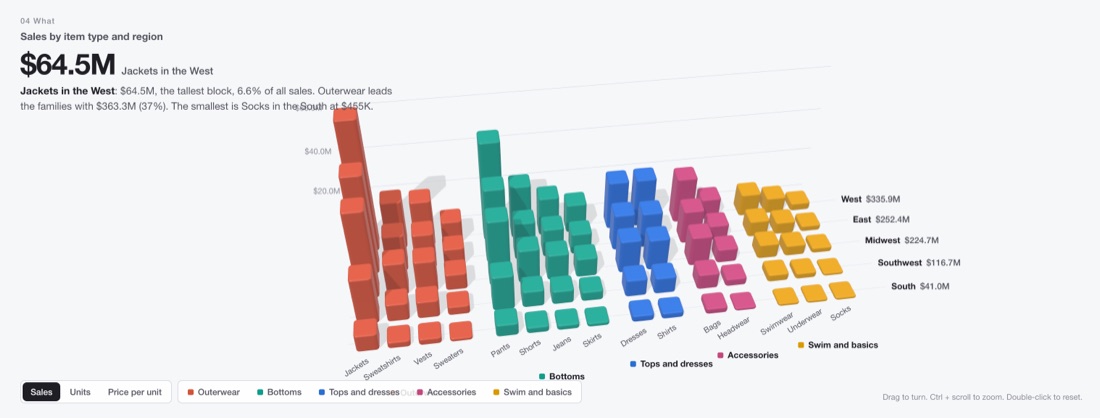
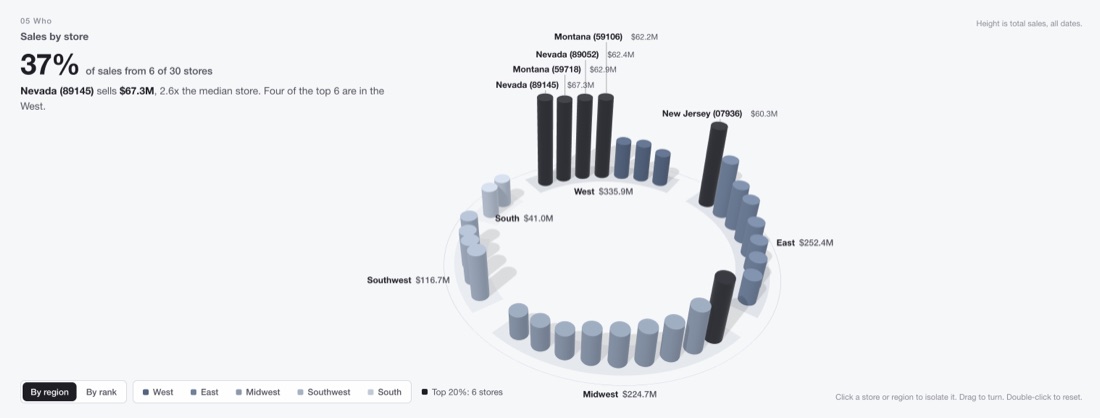
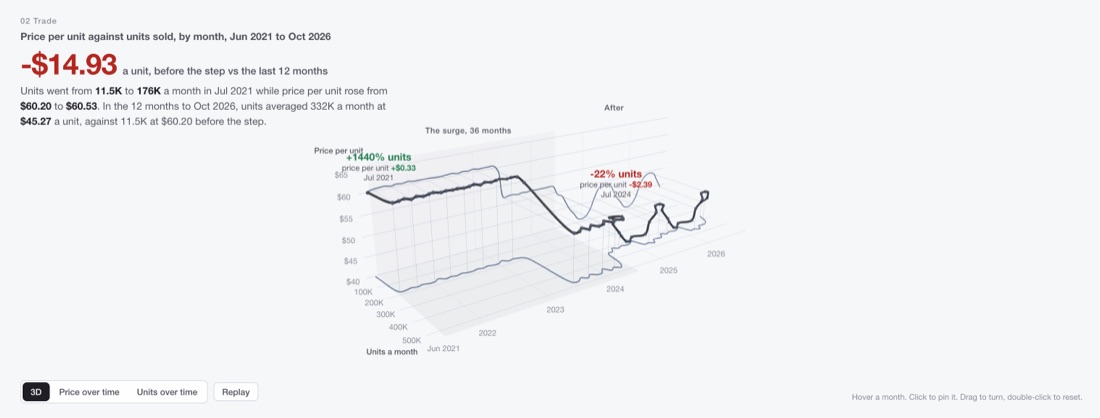
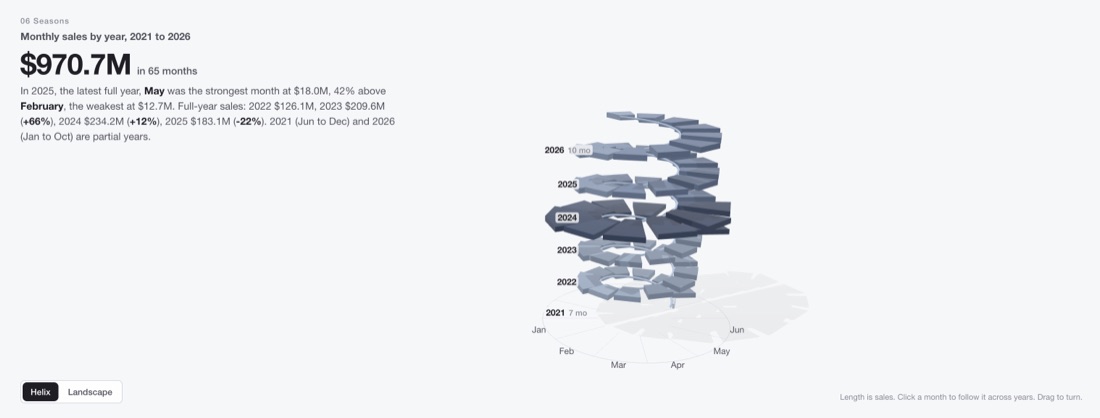
Captured on a ThoughtSpot cluster tile. Three.js is pinned to 0.158.0 but loaded without an SRI hash, and these seven are not in the shipped chart library yet.
One chart, or a whole Liveboard.
Two skills. Start with the first; add the second when you want a story across tabs.
ts-object-answer-chart-builder
Build, rebuild, debug or convert one custom chart.
- From a description, a screenshot, or a tile that misbehaves
- Sample data or your live search
- Can save the chart as a ThoughtSpot answer
Needs: Node 20+. Optional: the ThoughtSpot MCP for real data.
ts-object-liveboard-chart-builder
Build a storytelling Liveboard of custom charts on a real model.
- Plans numbered tabs and the question each one answers
- Has every tile built and checked by the chart skill
- Adds filters, imports, proves the import, screenshots every tab
Needs: the chart skill beside it and the ThoughtSpot MCP.
Your library, or Claude's pick.
Name one, or let Claude choose by the chart's shape. MayaCharts is the first fit for standard business charts: one JSON spec gives tooltips, keyboard focus, drill and resize.
Build your first chart.
Copy the skills into .claude/skills/ and ask for a chart. Check your setup any time with node .claude/skills/ts-object-answer-chart-builder/helpers/env.mjs.